
DISPL Equipment Policy and How to Choose Hardware for Your Project
In July, we announced the end of production of the DISPL-branded media player. For new deployments, you can source equipment locally and ask us to help assess compatibility. We’re also working with Prestigio Solutions, our hardware partner on the DISPL Box, on a media player option for future projects.
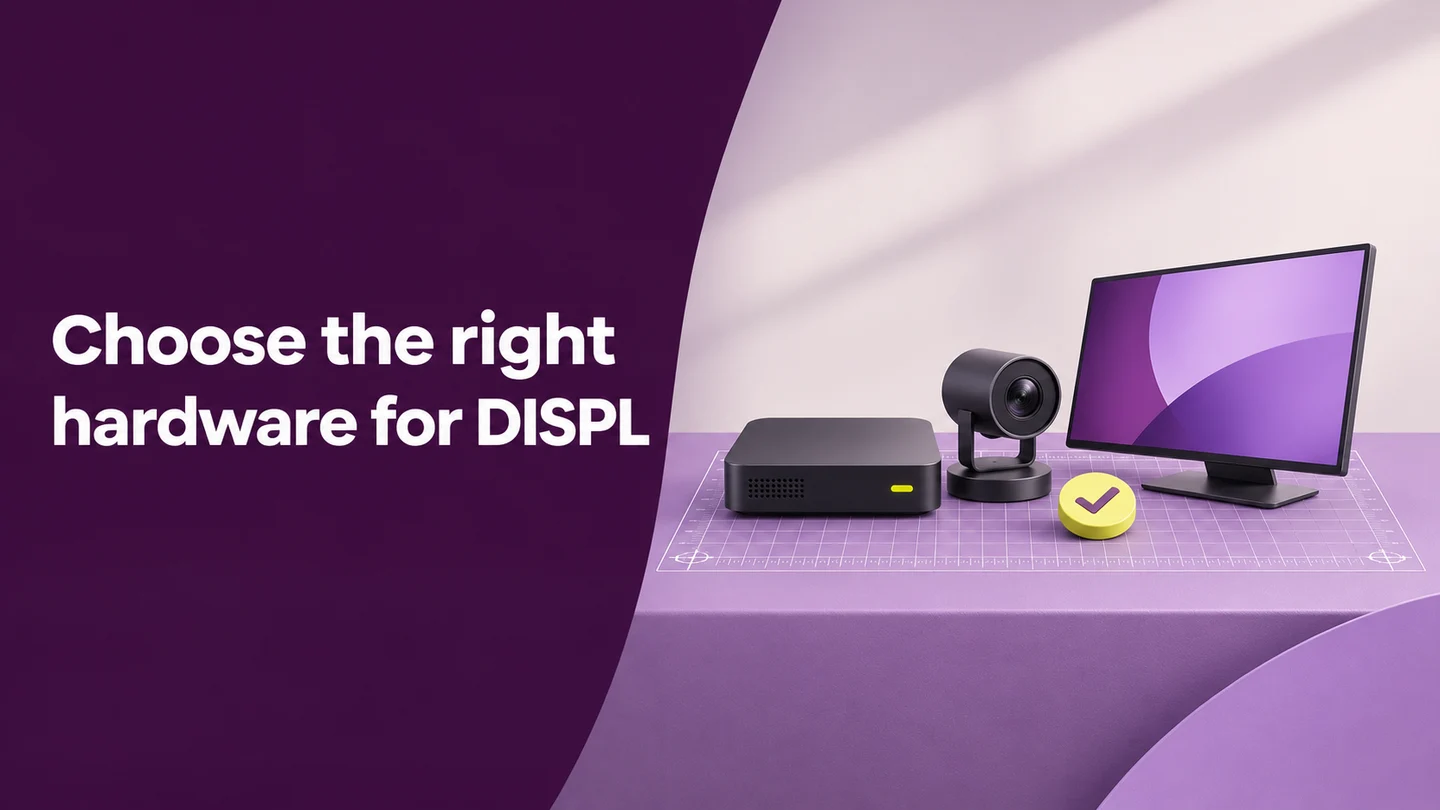
Choose hardware for the features you need
Start with the job the device needs to do. A player for digital signage and a device for audience analytics may need different configurations. Check which features your operating system supports, then review the specifications and any camera or display requirements. DISPL Player hardware and system requirements.
Validate the exact configuration before buying in volume
Start with a proof of concept and test the configuration you intend to deploy. Firmware, BIOS and component changes between batches can affect stability. Before a full rollout, the Equipment Policy calls for at least two weeks of stress testing for new hardware. Confirm the firmware and remote management setup with DISPL during the pilot.
Confirm the level of support
We recommend certified hardware. Hardware formally approved after a pilot can receive limited support for that project. Unapproved equipment carries a higher risk, and DISPL offers no performance guarantee for it. Platinum partners and enterprise customers planning volume deployments can ask about formal hardware certification.
Partners can review the DISPL Equipment Policy. If you’re comparing locally available models or want to discuss the upcoming Prestigio Solutions option, contact the DISPL team.
{{Quote|text quote|author name|position}}